CRUNCH - Game Feel Toolkit
CRUNCH - Drop-in Game Feel for Unity
Game feel in one line of code. No dependencies, no prefabs, no framework.
Quick Start
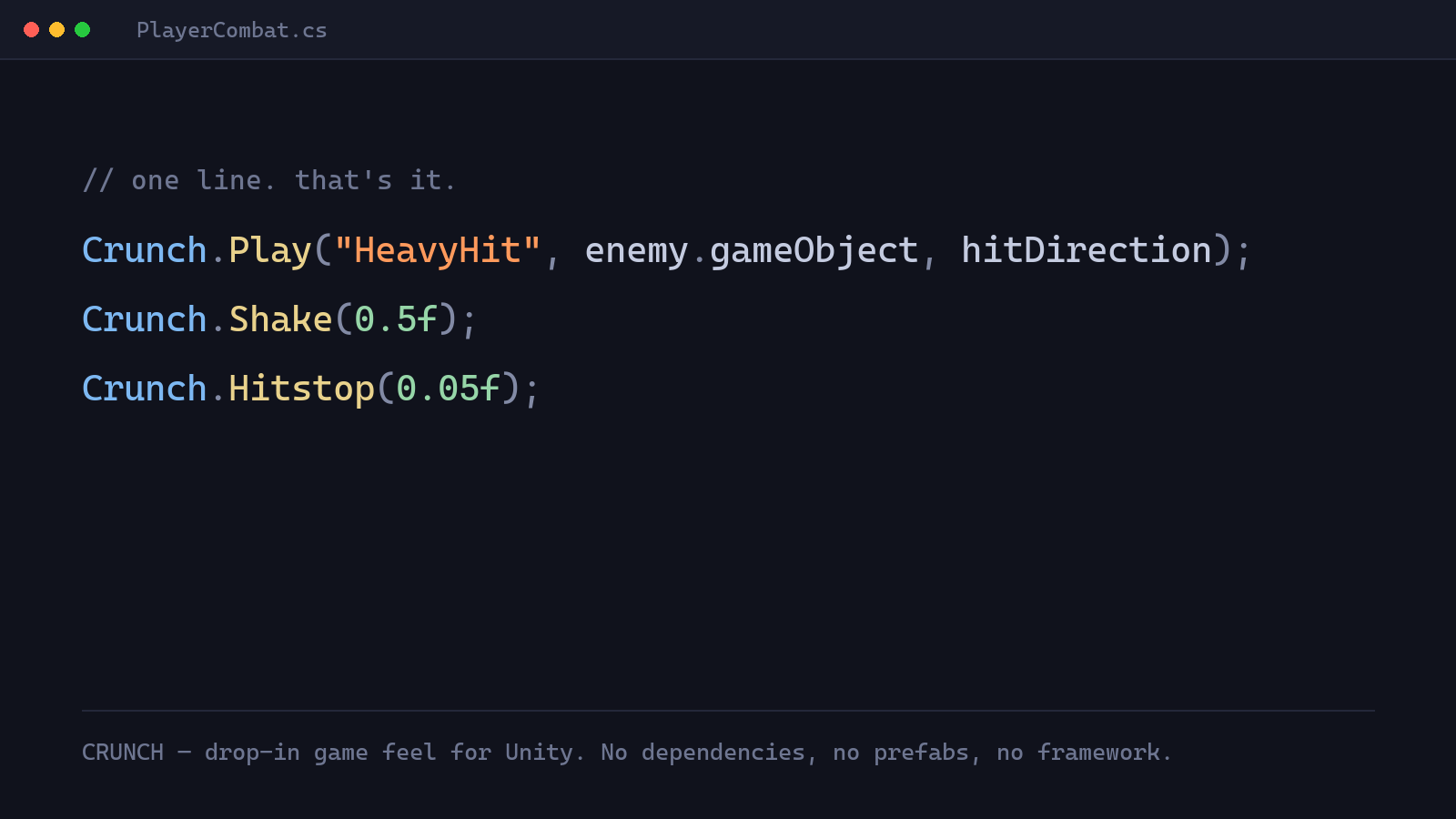
Drop the CRUNCH folder into Assets/, generate the settings and recipe assets from Tools > CRUNCH, and call Crunch.Play(...). That's it.
What's inside
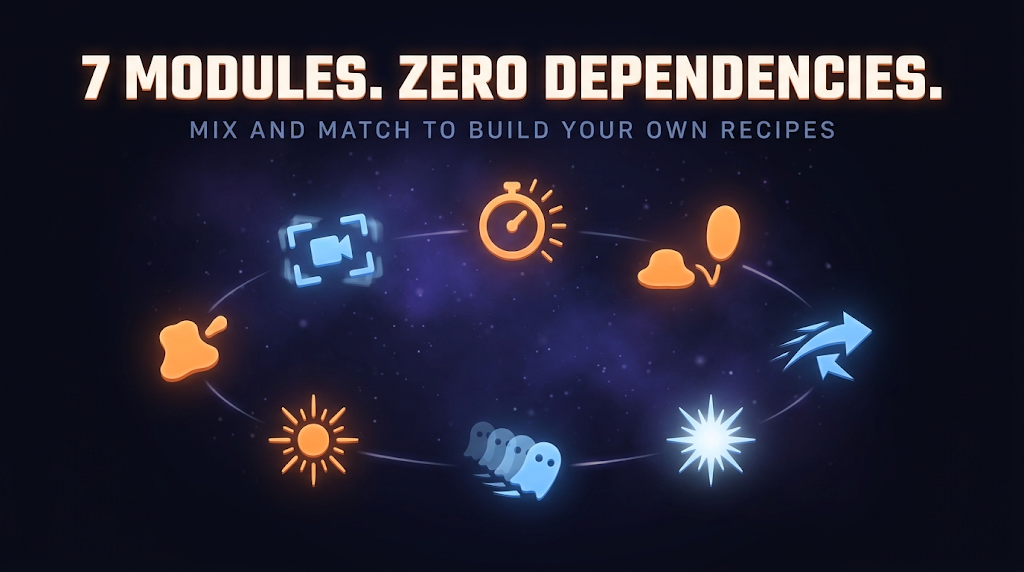
Seven independent modules - delete any six and the seventh still compiles and works on its own:
- Shake - trauma-based screenshake, positional and rotational, deterministic noise
- Hitstop - global or per-object freeze on impact
- Squash & Stretch - volume-preserving deformation on one axis
- Kickback - instant directional recoil that eases back
- Flash - color flash on any Renderer, no material instancing
- Trail - pooled afterimage ghosts, sprite or mesh source
- Pop - radial scale pulse
A Recipe groups several of these under a semantic name - Crunch.Play("Land"), Crunch.Play("HeavyHit") - tuned once in the Inspector, reused everywhere. Four pre-tuned libraries ship in the full pack: Platformer, Melee, Shooter, Casual.
Under the hood
No custom physics, no shaders, no extra dependencies. Every module is a plain MonoBehaviour you drop on a Transform, and everything that offsets position, rotation, or scale runs in LateUpdate, after your own gameplay and physics code have already moved the object that frame.
Modules that offset a transform (Shake, Squash & Stretch, Kickback) all use the same pattern: revert last frame's own contribution first, compute this frame's, then apply it. That's what lets several modules stack on the same object, or share it with your own movement code, without fighting each other.
- Hitstop has two modes. The global one freezes
Time.timeScalefrom a singleton, counted in unscaled time. The per-object one freezes just that object's Animator and Rigidbody velocity, without touching global timescale, for local-only freezes. - Shake isn't camera-specific. Drop it on any Transform. It's trauma-based, decays linearly, driven by deterministic Perlin noise (not
Random), applied straight to local position and rotation. - Trail is the only module that spawns extra GameObjects, a pool of ghost afterimages reused instead of instantiated per-use.
One toolkit, every genre
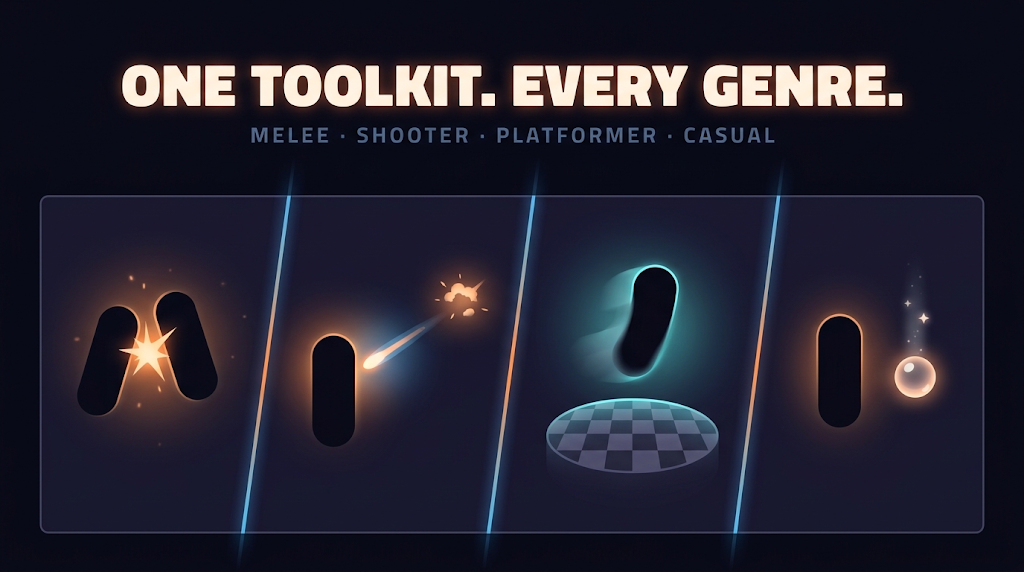
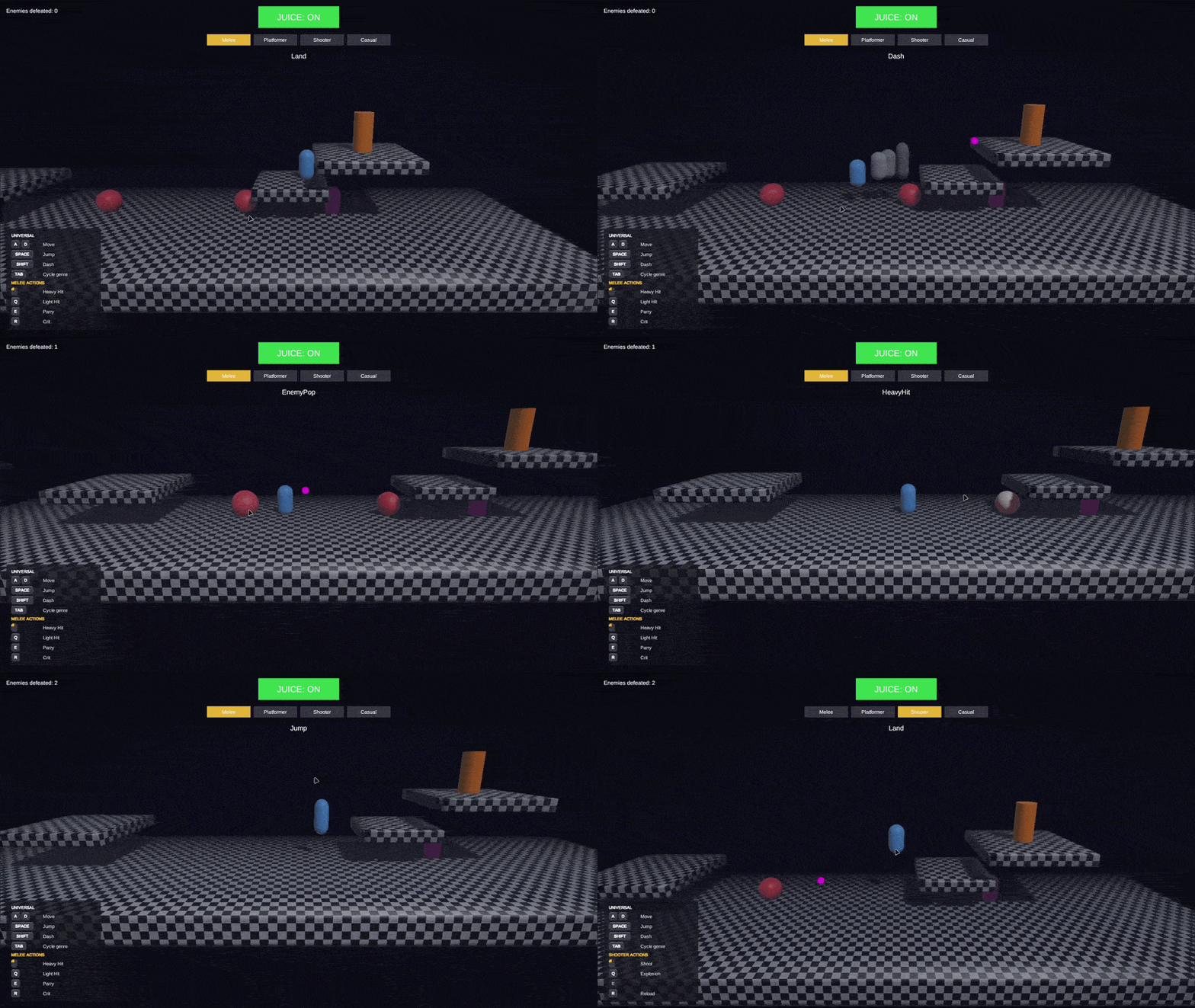
The playable demo above cycles through all four genres with TAB - every recipe in every library is bound to a key, so you can feel the actual pack before buying it, not a curated highlight reel.
Compatibility
| Unity | 6000.4.5f1+ |
| Render pipeline | Built-in, URP, HDRP - no pipeline-specific code |
| 2D / 3D | Both |
| Dependencies | None |
Free vs. Full
CRUNCH Shake (free) is a complete, standalone extraction of the screenshake module - zero dependencies, drop it in and call Crunch.Shake(0.5f). It's not a trial or a cut-down demo; it's the real module, permanently free.
The full pack adds Hitstop, Squash & Stretch, Kickback, Flash, Trail, Pop, and the four pre-tuned Recipe libraries you just played with above.
Download
Click download now to get access to the following files:
Development log
Leave a comment
Log in with itch.io to leave a comment.